Water sort puzzle

Sunlit Water Sort Puzzle
Sort. Pour. Unwind.
Sort colored water into matching tubes in a casual puzzle game with Campaign, Daily Sort, untimed Zen Practice, and Challenge Lab.
Android · Quantdesk Private LimitedContains ads · Optional in-app purchases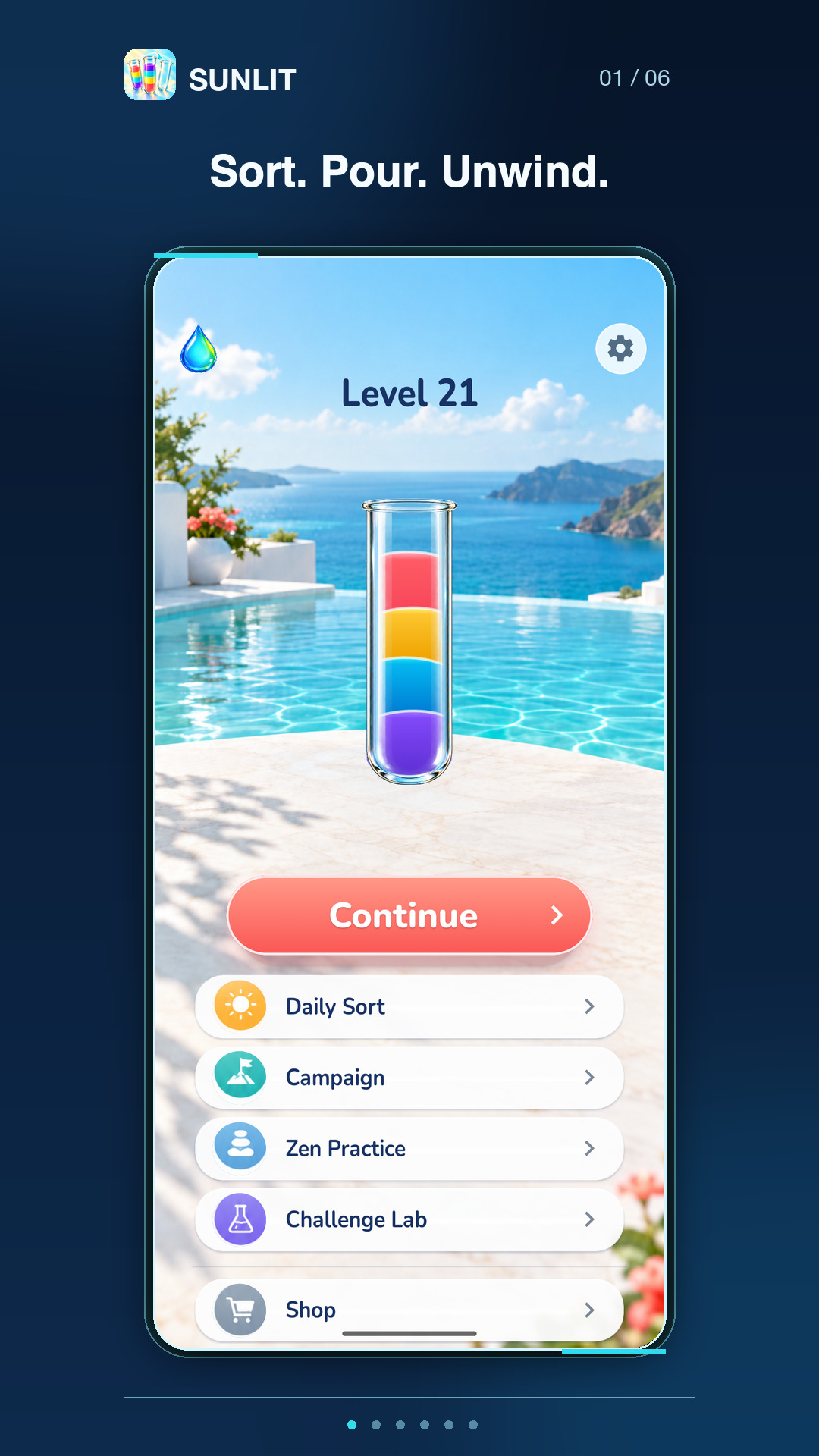
Screenshots advance every five seconds. Use Pause to stop the slideshow and Play to resume. You can also use the previous and next buttons, swipe, or focus the gallery and use the arrow keys to browse. Screenshots are labelled by platform and store.
Inside Sunlit Water Sort Puzzle
A color-sorting puzzle for a short play break, with untimed practice and daily content.
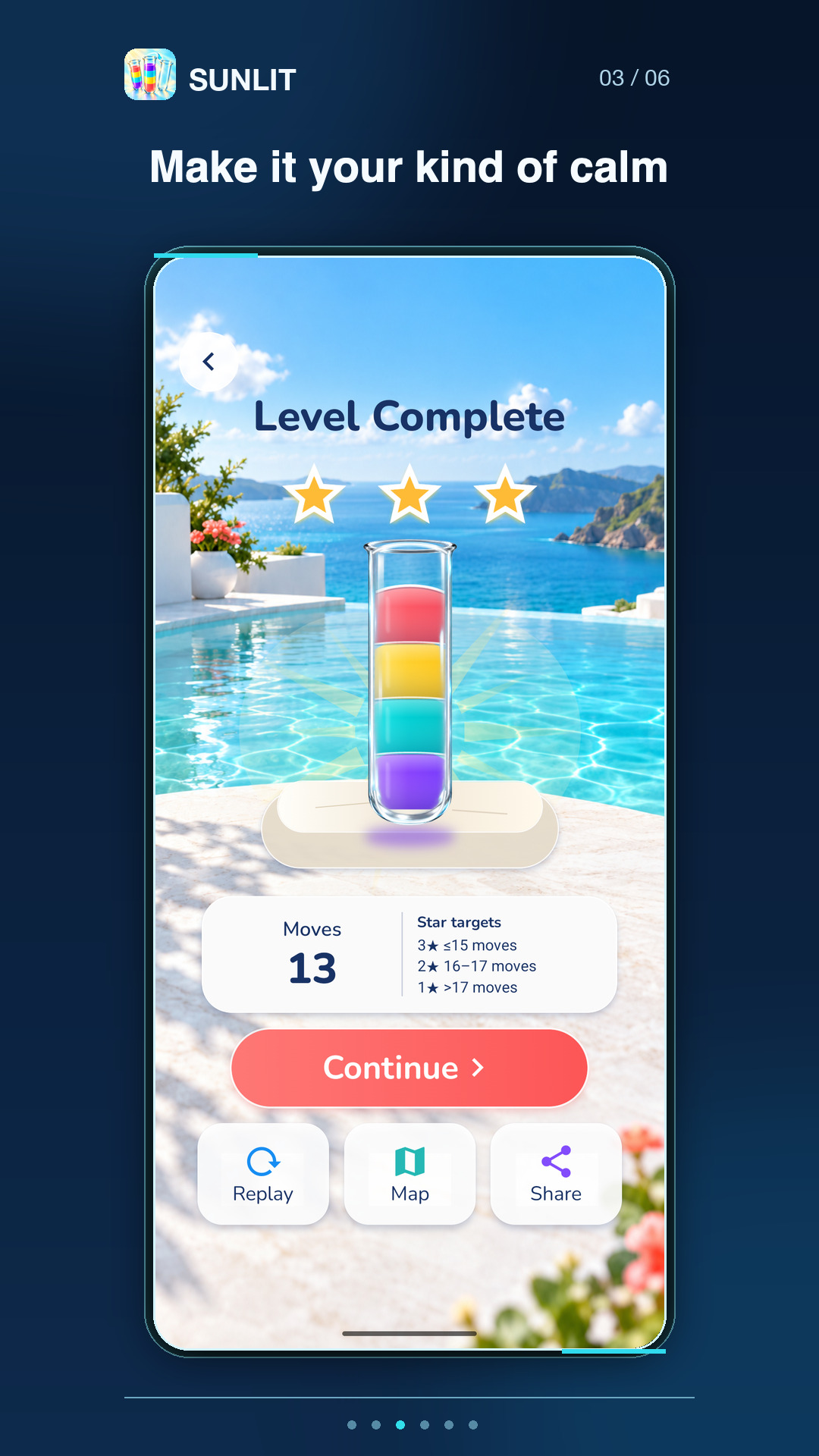
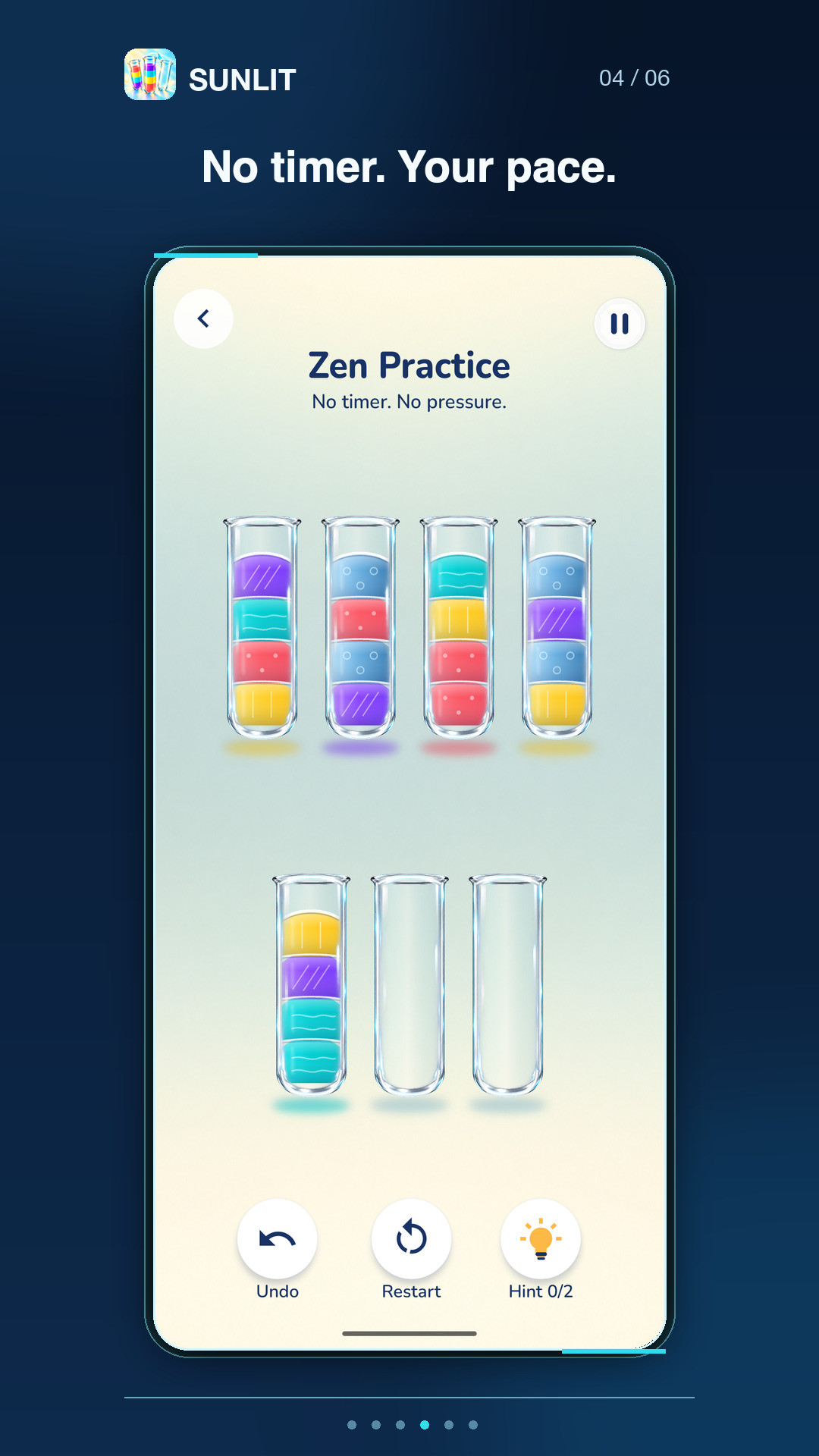
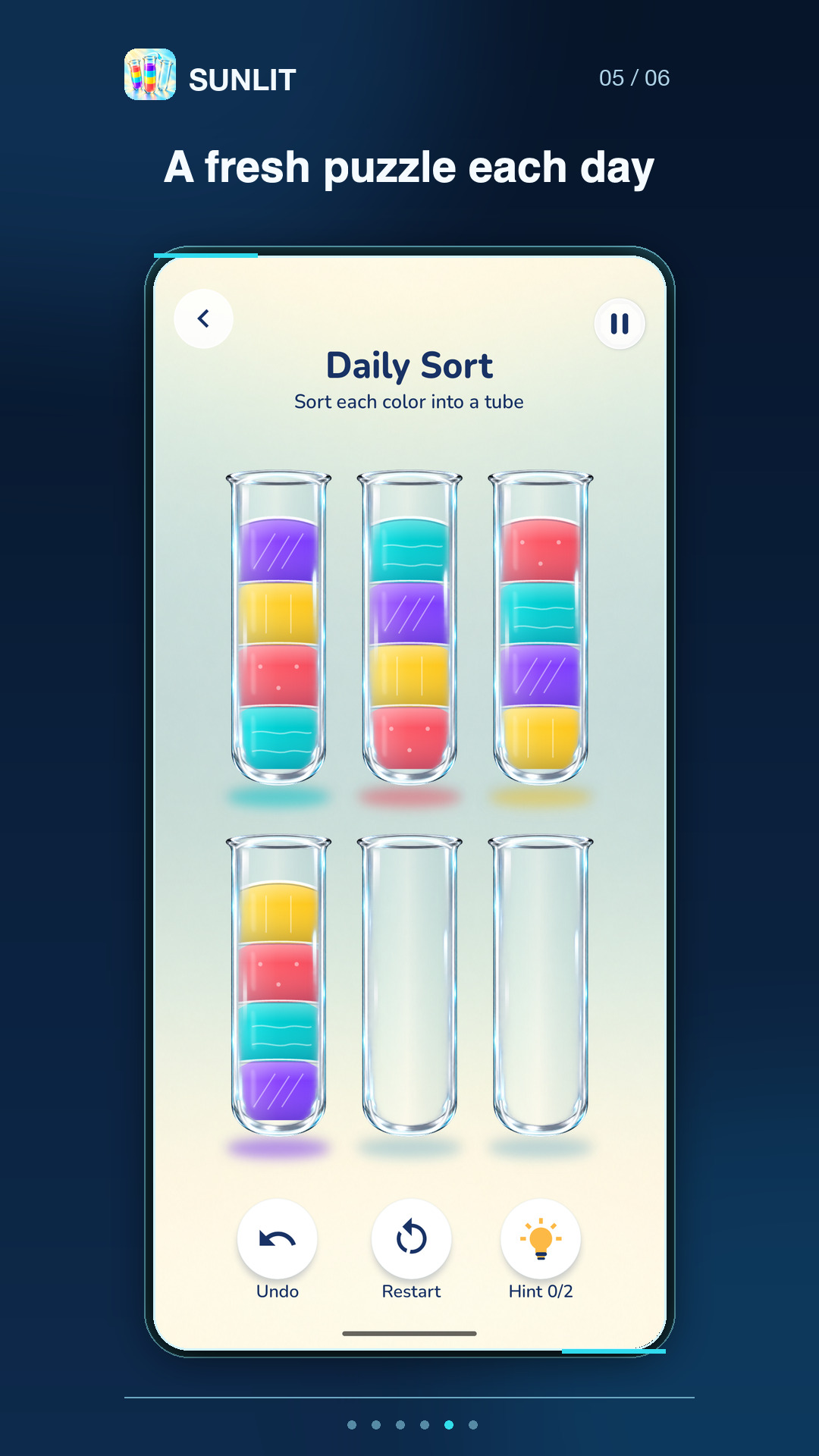
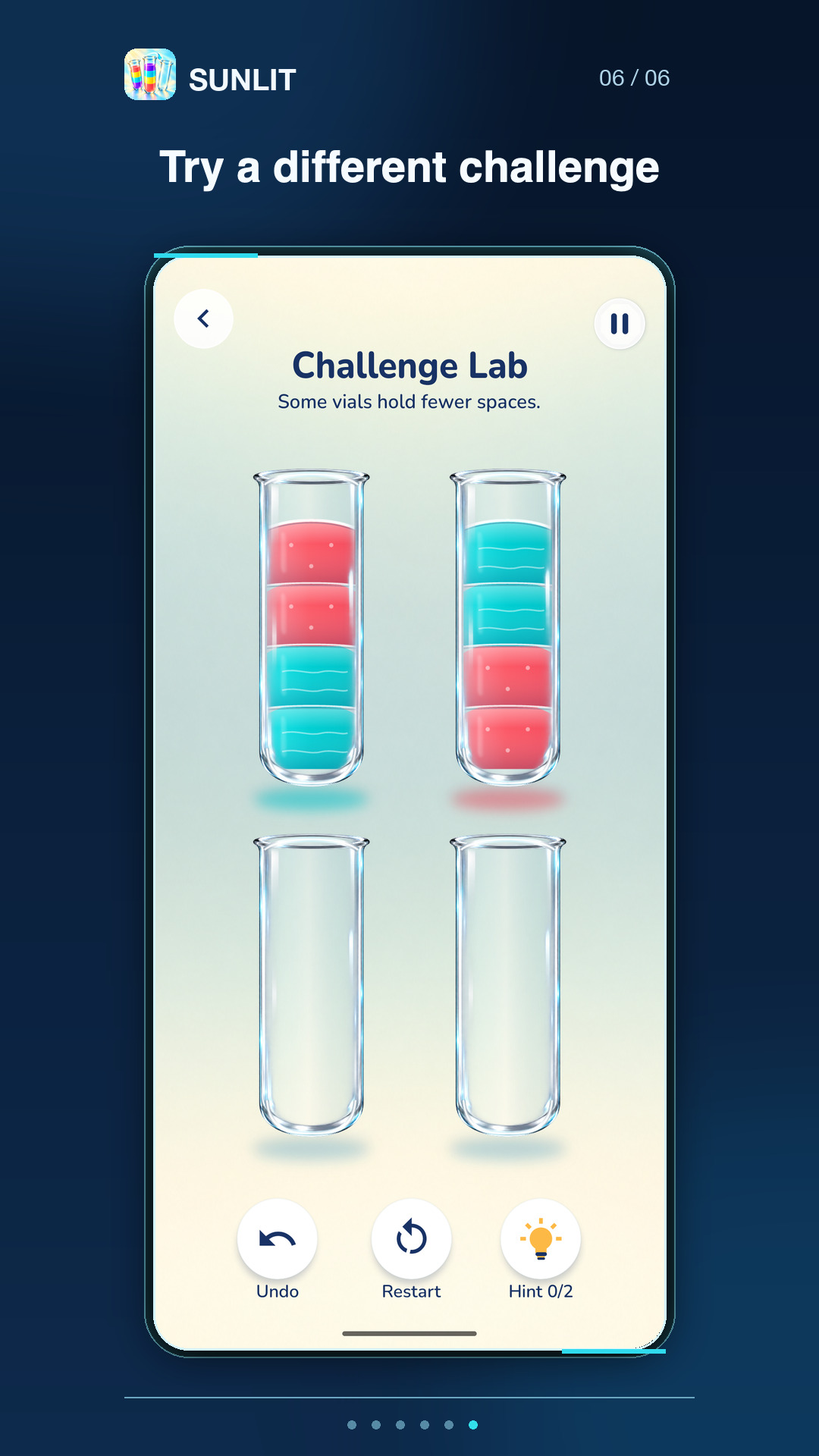
Choose a puzzle, pour colors between tubes, and gather each color into its own tube. Campaign offers a sequence of puzzles; Daily Sort brings a fresh puzzle each day, while Zen Practice has no timer. Challenge Lab adds optional rule variations when available.
A simple pour, one tube at a time
Choose a mode
Continue in Campaign, open Daily Sort, play without a timer in Zen Practice, or try Challenge Lab when its in-game rules allow access.
Sort the colors
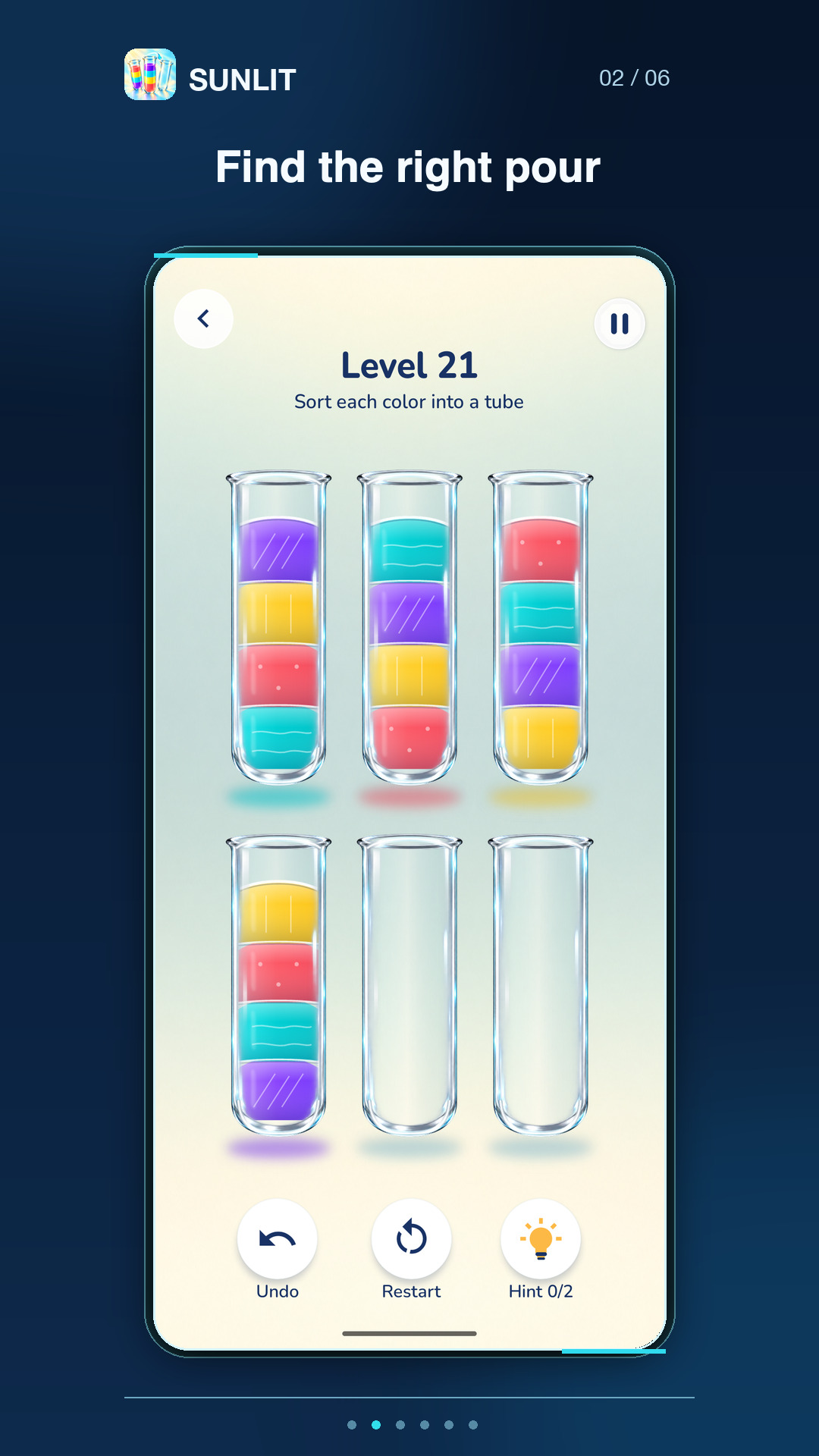
Pour between tubes to gather each color into its own tube. Undo a move or restart a puzzle when you want another go.
Pick up where you left off
Core puzzles work offline, and game progress is saved on-device. Daily content and Challenge Lab access follow the rules shown in the game.
Questions & support
Can I play offline?
Core puzzles work offline, and progress is saved on your device. Daily content and Challenge Lab access follow the rules shown in the game.
What modes are included?
Campaign, Daily Sort, untimed Zen Practice, and Challenge Lab. Access to daily content and challenges follows the rules shown in the game.
Does the game contain ads or purchases?
Yes. The game contains ads and optional in-app purchases. Remove Ads is a one-time purchase that removes interstitial ads; optional rewarded ads remain. Some themes require purchase.
Where is my progress saved?
Progress is saved on your device. The website does not claim cloud sync.
Ads, purchases and privacy
The game contains ads and optional in-app purchases. Remove Ads is a one-time purchase that removes interstitial ads; optional rewarded ads remain. Some themes require purchase. Read the Quantdesk privacy policy.
Where can I get help?
Email [email protected] with the app name and a description of the issue. You can also visit our support page.
